A Resource Owner is a user that has certain rights over a room or resource. When they log in to their account they can see not only their own bookings, but any bookings that have been made for rooms or resources that they own. A room or resource can have more than one owner.
Resource Owners will also be able to activate pending bookings (if they have permission to do so, see this guide) and, if you wish, receive email notifications when their owned resources are booked (see this guide).
To set up a user as a Resource Owner
- Go to Users > Manage Users. Click the edit pencil on the record of the relevant user.

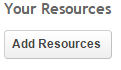
- Under Your Resources click Add Resources
- All resource categories and rooms/resources will be listed. Click on the boxes next to the rooms/resources you would like the user to own.
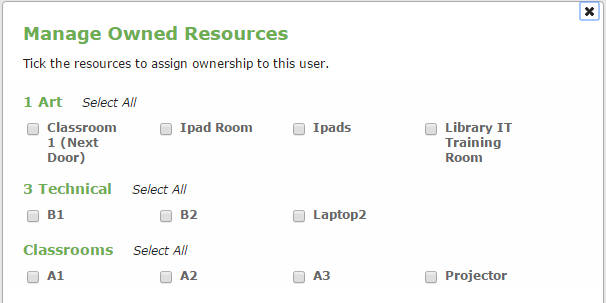
Once chosen, click on the X at the top right of the popup window and then click Edit User to save your changes.

Was this article helpful?
That’s Great!
Thank you for your feedback
Sorry! We couldn't be helpful
Thank you for your feedback
Feedback sent
We appreciate your effort and will try to fix the article