If you need to change the timezone offset, date/time or first day of your week for your system please follow the steps below.
- From the Administrator Homepage select Settings > Regional Settings.
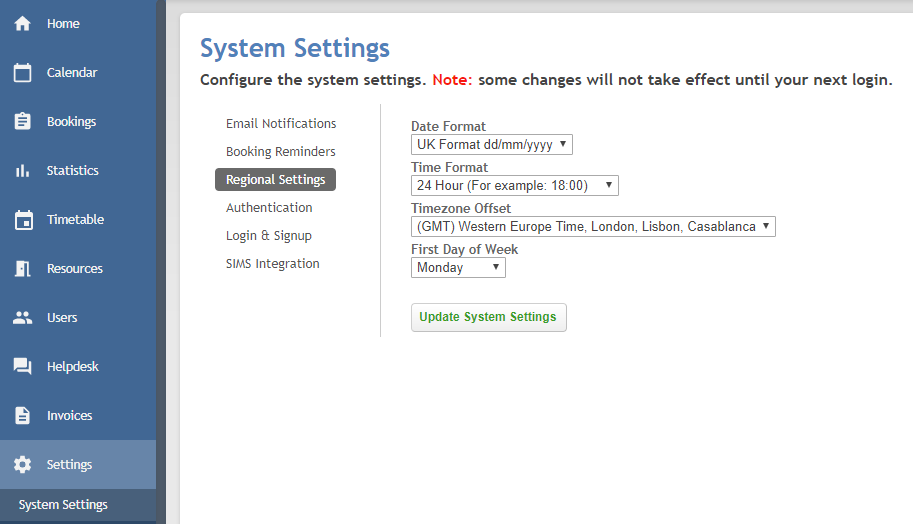
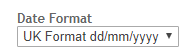
- To change the format of the date select the relevant option under Date Format.
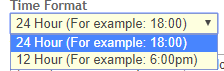
- Time can be displayed in 24 hours or 12 hours format. Select your preference from under Time Format.
- Select your timezone from the drop down under Timezone Offset.

- To change the first day of the week on your system choose the relevant day from the drop down under First Day of Week.

- Once you have made your changes click Update System Settings.

Was this article helpful?
That’s Great!
Thank you for your feedback
Sorry! We couldn't be helpful
Thank you for your feedback
Feedback sent
We appreciate your effort and will try to fix the article